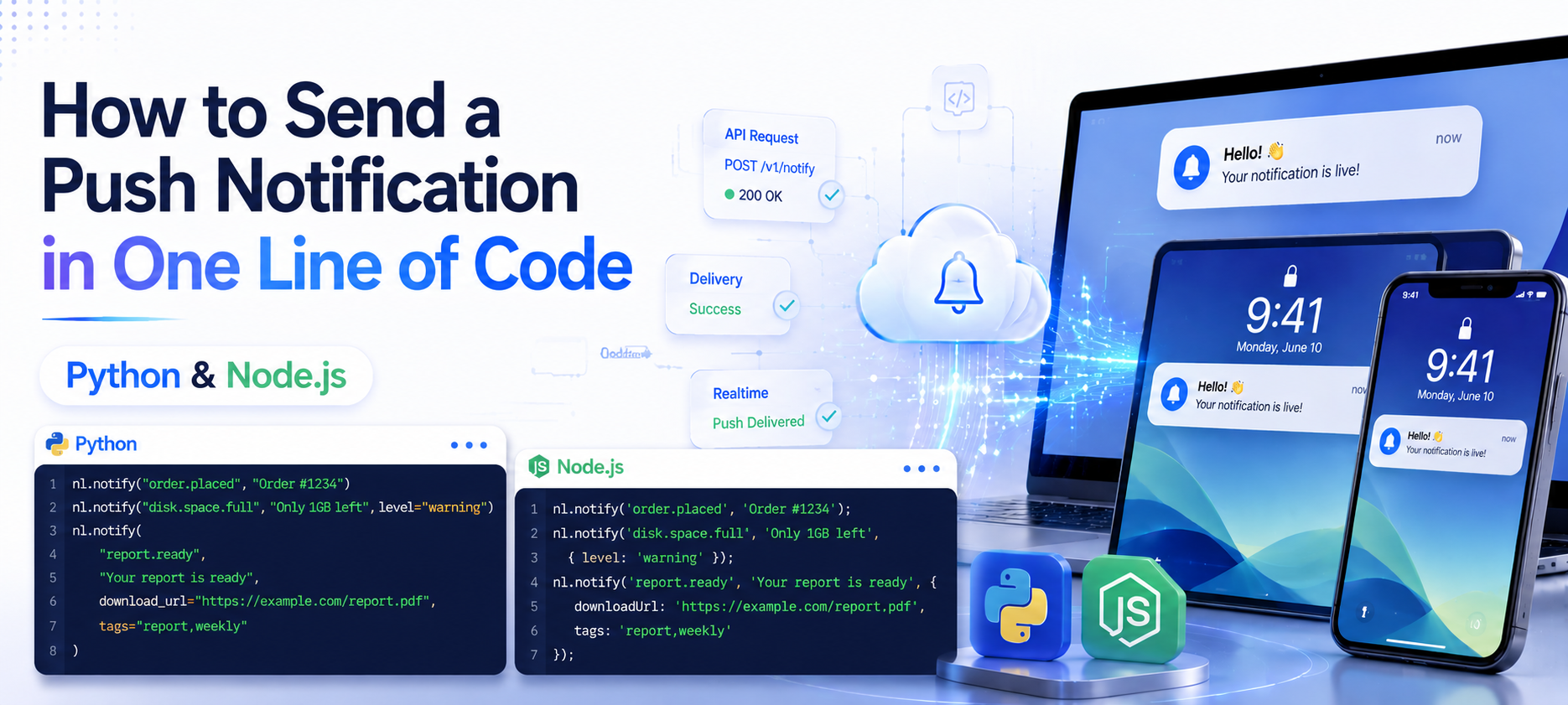
How to Send a Push Notification in One Line of Code (Python & Node.js)
You don't need a notification server, a message queue, or a mobile push certificate headache. Here's how to send a real push notification to your phone from a Python or Node.js script in one line.
You want to know the moment your script finishes. Or fails. Or a customer pays. Or a job processes zero records when it should've processed 300.
You don't want to build a notification server. You don't want to fight with Apple Push Notification certificates or Firebase Cloud Messaging setup. You just want one line of code that puts a message on your phone.
Here's exactly how to do that — in Python and in Node.js — in under 5 minutes.
What You're Building
A script, cron job, or backend route that calls one function. That function sends a push notification straight to your phone via the NotiLens app (iOS, Android, or web). No webhook server to host. No push certificate to generate. No queue to manage.
nl.notify("payment.received", "$299 from Stripe")
That's the entire integration. One call, one event name, one message — on your phone in under a minute.
Step 1 — Install the SDK
Python:
pip install notilens
Node.js:
npm install @notilens/notilens
Step 2 — Get Your Token and Secret
Sign up at app.notilens.com — no credit card required for the 7-day trial. Create a source (a named identifier for your app, script, or service — e.g. my-script). Copy your token and secret from the dashboard.
Step 3 — Initialize and Send Your First Notification
Python:
import notilens

nl = notilens.init(
    name="my-script",
    token="YOUR_TOKEN",   # required on first use
    secret="YOUR_SECRET"  # required on first use
)

nl.notify("payment.received", "$299 from Stripe")
Node.js:
import { NotiLens } from '@notilens/notilens';

const nl = NotiLens.init('my-script', {
  token: 'YOUR_TOKEN',
  secret: 'YOUR_SECRET'
});

nl.notify('payment.received', '$299 from Stripe');
Run the script. Check your phone. That's it — your first push notification, no server, no certificates, no queue.
Note: after the first run, your token and secret are saved to ~/.notilens_config.json. You can also set them via environment variables (NOTILENS_TOKEN / NOTILENS_SECRET) and skip passing them in code entirely:
nl = notilens.init(name="my-script") # reads from env or saved config
Understanding nl.notify()
notify() takes two required arguments — an event name and a message — plus optional parameters:
Python:
nl.notify("order.placed", "Order #1234")
nl.notify("disk.space.full", "Only 1GB left", level="warning")
nl.notify(
    "report.ready",
    "Your report is ready",
    download_url="https://example.com/report.pdf",
    tags="report,weekly"
)
Node.js:
nl.notify('order.placed', 'Order #1234');
nl.notify('disk.space.full', 'Only 1GB left', { level: 'warning' });
nl.notify('report.ready', 'Your report is ready', {
  downloadUrl: 'https://example.com/report.pdf',
  tags: 'report,weekly'
});
The event name ("order.placed", "disk.space.full") is a label you choose — use dot notation to keep things organised as your number of notification types grows.
Real-World One-Liners
When a script finishes:
import notilens
nl = notilens.init(name="backup-script")  # token/secret from env or saved config

# ... your backup logic ...

nl.notify("backup.complete", "Database backup finished successfully")
When something fails:
try:
    process_orders()
except Exception as e:
    nl.notify("order.processing.failed", str(e), level="warning")
When a customer does something worth knowing:
app.post('/webhooks/stripe', (req, res) => {
  const event = req.body;
  if (event.type === 'payment_intent.succeeded') {
    const amount = event.data.object.amount / 100;
    nl.notify('payment.received', `$${amount} from ${event.data.object.customer}`);
  }
  res.sendStatus(200);
});
From a shell script (no Python/Node.js needed):
# One-time setup
curl -fsSL https://raw.githubusercontent.com/notilens/sdk-shell/main/notilens.sh \
  -o /usr/local/bin/notilens && chmod +x /usr/local/bin/notilens
notilens init --name my-app --token YOUR_TOKEN --secret YOUR_SECRET

# Then anywhere in any script:
notilens notify report.ready "Daily report generated" --name my-app
Attaching Links to a Notification
Pass download_url or open_url so tapping the notification takes you straight to what matters:
Python:
nl.notify(
    "report.ready",
    "Your weekly report is ready",
    download_url="https://example.com/report.pdf"
)
Node.js:
nl.notify('report.ready', 'Your weekly report is ready', {
  downloadUrl: 'https://example.com/report.pdf'
});
What You Get Beyond the Notification — ACK, Remind Me Later, and Notes
Every notification that lands in the NotiLens app can carry three interactions, handled entirely in the app — no extra SDK code needed to use them:
- Acknowledge (ACK) — tap to mark the alert as seen and handled. Critical/urgent alerts that go unacknowledged can repeat or escalate (if on-call/escalation is configured on your plan)
- Remind Me Later — snooze the alert if you've seen it but can't act yet; it resurfaces after the snooze window
- Notes — a private note only you can see, for your own reference on that specific alert
- Comments — a shared thread visible to everyone subscribed to the topic. If multiple people get the same alert, anyone can comment directly on it — "checked the logs, false positive" or "fixed, redeploying now" — so the whole team sees the same context instead of re-investigating the same thing twice
These are app UI features — you tap buttons on the notification itself. The one thing you control from your code (or webhook payload) is whether a notification gets these interactive buttons at all, via the is_actionable field:
curl -X POST "https://hook.notilens.com/webhook/TOPIC_ID/send" \
  -H "Content-Type: application/json" \
  -H "X-NOTILENS-KEY: YOUR_SECRET_KEY" \
  -d '{
    "title": "Payment failed",
    "message": "$149 · card_declined",
    "type": "urgent",
    "event": "payment.failed",
    "is_actionable": true
  }'
Set is_actionable: true for alerts that genuinely need a human decision — a payment failure, a deploy that needs a rollback call, an AI agent waiting on approval. Leave it false (or omit it) for purely informational notifications like "report generated" or "backup complete," where ACK and Remind Me Later buttons would just be clutter.
When One Line Isn't Enough Anymore
nl.notify() is perfect for "tell me when X happens." At some point, most growing projects need something different: "tell me when X stops happening."
That's a different problem — and most simple push notification tools, including basic ones, were never built to solve it.
Example: you're calling nl.notify("order.placed", ...) every time a Shopify order comes in. That's great — until orders silently stop coming in for 47 minutes during a Saturday afternoon rush, and nobody calls notify() because nothing happened. The notification model is fundamentally reactive: no event, no notification.
This is where Smart Silence Detection comes in. Use nl.track() instead of nl.notify() for events you want NotiLens to learn the frequency of:
# Track the event — NotiLens learns how often it normally arrives
nl.track("order.placed", "Order #1234", meta={"amount": 99.99})

# If orders stop arriving for an abnormally long time given your
# normal pattern, NotiLens alerts you automatically — no extra code,
# no manual threshold to configure
For background jobs and AI agents, the SDK also supports a full task lifecycle — run.start(), run.progress(), run.complete(), run.fail() — which adds broken flow detection and metrics tracking on top of simple notifications:
run = nl.task("daily-sync")
run.start()

records = sync_data()
run.metric("records", len(records))

run.complete(f"Synced {len(records)} records")
# If run.start() fires but run.complete() never does — NotiLens alerts
You don't need to switch tools or accounts. The same SDK scales from "ping me when X happens" to full business monitoring — silence detection, broken flow detection, and ML anomaly detection are available from the Pro plan; on-call scheduling and escalation policies require Team — whenever you're ready for it.
Summary
Getting a push notification onto your phone from a script, cron job, or backend route takes one function call: nl.notify(event_name, message). No server to host, no push certificates to configure, no message queue to manage.
Start there. When you outgrow "tell me when X happens" and need "tell me when X stops happening" — nl.track() and the task lifecycle handle that with the same SDK.
Try NotiLens free for 7 days — no credit card required.
Frequently Asked Questions
Do I need a server to receive these notifications? No. NotiLens hosts the delivery infrastructure. Your script makes an outbound API call to NotiLens; NotiLens delivers the push notification to the NotiLens mobile app on your phone. You don't need to host anything, manage push certificates, or run a notification server.
Does this work from a cron job or scheduled task? Yes. Add the SDK call at the point in your script where you want to be notified — typically at the end, on success, or inside an exception handler. It works identically whether the script runs interactively, from cron, or inside a CI/CD pipeline. A shell-only CLI is also available if you don't want to add a Python or Node.js dependency to a bash script.
Can multiple people receive the same notification? Yes. Notifications are sent through a source/topic, and anyone subscribed to it receives them. Add teammates from the dashboard — no code changes needed.
What languages does the SDK support?
Python, Node.js, Go, Rust, Ruby, PHP, and Java/Kotlin — all with the same notify() and task lifecycle pattern. A shell CLI is also available for bash scripts and Claude Code hooks. For AI agents specifically, an MCP server lets LLM-based agents send notifications natively without SDK setup.
What's the difference between nl.notify() and nl.track()?
notify() sends an immediate notification — use it when you want to be told every time something happens. track() records an event for NotiLens to learn the frequency of — use it when you want to be alerted if the event stops happening (Smart Silence Detection). Both can be called at the source level or on a run object created via nl.task().
Is there a free tier to try this? Yes — every plan starts with a 7-day free trial, no credit card required. For ongoing simple push notifications without full monitoring features, a lower-cost annual Push tier is also available.
Do I need to write code to use Acknowledge, Remind Me Later, Notes, or Comments?
No. These are interactive features inside the NotiLens app — you tap or type directly on the notification. Notes are private to you; comments are shared with everyone subscribed to that topic. The only thing you control from code (or a webhook payload) is the is_actionable field, which decides whether the interactive buttons (ACK, Remind Me Later) appear at all on a given notification. Set it to true for alerts that need a human decision; leave it off for purely informational pings.